
Uncategorized
Gemini Omni Explained: Google’s New “Anything-to-Video” AI and Why It Matters


- Share
- Tweet /data/web/virtuals/375883/virtual/www/domains/spaisee.com/wp-content/plugins/mvp-social-buttons/mvp-social-buttons.php on line 63
https://spaisee.com/wp-content/uploads/2026/05/omni_beach-1000x600.png&description=Gemini Omni Explained: Google’s New “Anything-to-Video” AI and Why It Matters', 'pinterestShare', 'width=750,height=350'); return false;" title="Pin This Post">
Artificial intelligence has spent the past two years learning how to write, code, search, summarize, speak and draw. Now the race is moving into something more difficult: making video feel editable, conversational and accessible to people who do not know anything about video production. Google’s Gemini Omni is the company’s latest answer to that challenge. It is not simply another text-to-video generator where a user types a sentence and receives a short clip. Google is positioning Omni as a multimodal creative model, meaning it can take text, images, audio and existing video as input, then generate or edit video with audio as the first major output format. For a user starting from zero, the simplest way to understand it is this: Gemini Omni is Google’s attempt to turn video creation into a conversation.
What Gemini Omni Actually Is
Gemini Omni is a new family of AI models from Google DeepMind. The first released model is called Gemini Omni Flash, and it is designed to create video from almost any kind of input. A user might begin with a written prompt, a photograph, a voice note, a rough clip, or a combination of those materials. Instead of requiring a timeline editor, camera crew, lighting setup or animation software, Omni is meant to understand the creative direction and produce a video that matches it.
That phrase sounds ambitious, but the practical version is easier to grasp. Imagine uploading a product photo and asking Gemini Omni to turn it into a ten-second social video with cinematic lighting, a rotating camera move and background music. Or imagine recording a quick voice memo describing a travel ad, then asking Omni to generate a clip with scenes, motion and sound. A creator could also start with an existing video and ask for a change in mood, background, lighting or visual style through natural language. That last point is important because it shifts AI video from one-shot generation toward iterative editing.
The name “Omni” reflects the model’s multimodal design. In AI, a modality is simply a type of information: text, image, sound, video or code. Older AI tools often worked mainly in one mode. A chatbot handled text. An image model generated pictures. A speech model handled voice. Multimodal systems combine several of these capabilities so the model can reason across different forms of input. Google’s Gemini line has been built around this direction for some time, with Gemini models designed to process text, images, audio, video and code. Gemini Omni extends that philosophy into media creation rather than only understanding or answering questions.
Why This Is Different From a Normal Video Generator
The easiest mistake is to treat Gemini Omni as just another competitor in the text-to-video category. That category already includes systems that can turn prompts into short clips. Google itself has Veo, a generative video model used for creating high-quality video from prompts. Omni is meant to be broader. It combines Gemini’s reasoning capabilities with Google’s generative media systems, allowing it to take more kinds of source material and support more conversational editing.
For everyday users, that difference matters because most people do not begin with a perfect prompt. They begin with scraps: a screenshot, a half-formed idea, a brand logo, a product shot, a voice note, a reference clip, a mood, a target audience and a vague sense of what they want. Traditional creative software forces users to translate that mess into technical actions. Gemini Omni tries to let users keep the process closer to how people naturally explain creative ideas.
This is also where Gemini’s “world knowledge” becomes part of the pitch. A conventional visual generator may be good at producing images or motion, but it may not understand context deeply. For example, if a user asks for a video of a chef preparing ramen in a Tokyo alleyway at night, the model needs to know more than what bowls, noodles and neon signs look like. It needs a coherent sense of setting, atmosphere, object behavior, camera movement and cultural cues. Google says Omni is grounded in Gemini’s real-world knowledge, which is meant to make its generated video more coherent and controllable.
The Basic User Experience
For someone who has never used the product, Gemini Omni should be understood less as a standalone app and more as a model that appears inside Google products. Google says Gemini Omni Flash is rolling out to Google AI Plus, Pro and Ultra subscribers through the Gemini app and Google Flow. It is also available through YouTube Shorts Remix and the YouTube Create app for users aged 18 and older at no cost. For developers and enterprise customers, Google Cloud says Gemini Omni Flash will roll out through the Gemini API and Agent Platform API.
In the Gemini app, the experience is likely to feel closer to asking an assistant for a video. In Google Flow, it is aimed more directly at creative production. Flow is Google’s AI filmmaking environment, and Omni gives it a more flexible input layer. In YouTube Shorts and YouTube Create, the appeal is obvious: millions of creators already need fast, vertical, attention-grabbing clips, and many do not have professional editing skills.
A beginner might start by typing something simple: “Create a short video of a small robot exploring a rainy city at night, with a hopeful tone.” Omni would then generate a video with motion and audio. The user could continue the conversation by saying, “Make the robot look more curious,” “Change the city to look more futuristic,” or “Add a warm sunrise at the end.” The product’s importance lies not only in the first generation, but in the ability to revise the output in ordinary language.
What Inputs Gemini Omni Can Use
Gemini Omni Flash supports text, images, audio and video inputs, according to Google DeepMind’s model documentation. That means users do not have to begin from a blank prompt. They can bring materials they already have. A text input might be a written scene description. An image input might be a character sketch, a product photograph or a mood board. An audio input might be a narration, sound reference or spoken instruction. A video input might be a rough recording that the user wants to transform or extend.
This flexibility is central to why Omni matters. Many small businesses, educators, marketers and independent creators already have raw materials but lack production capacity. A restaurant has food photos. A coach has voice notes. A musician has audio snippets. A real estate agent has phone footage. A teacher has slides. Gemini Omni points toward a workflow where those existing assets become the starting point for polished media.
The first output focus is video with audio. That is significant because video without sound often feels unfinished. Audio is not an accessory in modern video; it shapes emotion, pacing and perceived quality. If an AI model can generate motion and sound together, it can make results feel more complete for social platforms, ads, explainers and short-form storytelling.
Why Google Is Building This Now
Gemini Omni arrives at a moment when the AI industry is moving from novelty tools toward production systems. In 2022 and 2023, many users were impressed that AI could generate an image or write a paragraph. By 2026, the question is different: can these systems help people ship work faster, cheaper and at higher quality? Video is one of the biggest tests because it combines many hard problems at once. A good video needs visual consistency, motion, timing, sound, scene continuity, object permanence and narrative coherence.
The strategic value for Google is also clear. Google owns YouTube, one of the world’s most important video platforms. It operates Android, Google Photos, Search, Workspace, Cloud and the Gemini app. If AI video creation becomes a mainstream behavior, Google has many surfaces where that behavior can appear. Gemini Omni fits into a broader Google I/O 2026 push around AI agents, Gemini 3.5 and deeper AI integration across products.
The business logic is not limited to creators. Marketers need ad variants. Game studios need concept clips. Training teams need internal explainers. Teachers need visual lessons. E-commerce sellers need product videos. Newsrooms need quick visual summaries, though with obvious verification concerns. The common thread is that many organizations need more video than they can afford to produce manually.
How Gemini Omni Fits Into the Gemini Family
To understand Omni, it helps to separate Gemini as a brand from Gemini as a model family. Gemini is Google’s broad AI ecosystem. It includes chat experiences for consumers, APIs for developers, enterprise tools through Google Cloud and specialized models for different tasks. Some Gemini models focus on reasoning and coding. Others are optimized for speed. Gemini Omni is the creative, multimodal branch focused first on video generation and editing.
Google introduced Gemini 3.5 Flash alongside Gemini Omni at I/O 2026. Gemini 3.5 Flash is described as a reasoning model with strong agent and coding capabilities, while Omni is focused on creation from multimodal input. In other words, Gemini 3.5 Flash is more about thinking and acting across tasks, while Gemini Omni is more about turning ideas and source materials into media.
This distinction matters because users often assume one AI model does everything. In practice, major AI platforms are becoming collections of specialized models. One model may be best for coding. Another may be best for image generation. Another may be optimized for low-latency voice. Omni’s role is to bring Gemini’s understanding and Google’s media-generation capabilities into a unified creative workflow.
The Role of Google Flow
Google Flow may be the most important place to watch Omni develop. Flow is designed for AI filmmaking, meaning it is not just a prompt box but a creative environment where users can build scenes, iterate and shape outputs. Google describes Omni in Flow as a way to blend real-world inspiration with generated content and edit conversationally. It also compares Omni to Nano Banana, Google’s image-generation and editing model, but for video.
That comparison is useful. Image generation became much more practical once users could edit specific parts of an image, maintain character consistency and refine results without starting over. Video needs the same evolution. A one-shot video generator is fun, but it is not enough for serious work. Creators need to preserve a character’s face, keep a product accurate, maintain a visual style and make targeted changes without destroying everything else.
If Omni can deliver reliable conversational editing, it could reduce one of the biggest frustrations in generative video: the slot-machine effect. Many AI video tools produce impressive clips, but users often have to regenerate repeatedly until chance delivers something usable. The future of AI video depends less on occasional magic and more on control.
What “Conversational Editing” Means
Conversational editing means changing a video by describing the change instead of manually adjusting technical controls. A user might say, “Make the scene brighter but keep the rainy mood,” “Replace the red car with a blue scooter,” “Make the camera move more slowly,” or “Keep the same woman, but change the background to a coffee shop.” The AI must understand the request, preserve what should remain unchanged and alter only the intended elements.
This is far harder than it sounds. Video is a sequence of frames, and small errors can become obvious when objects move. If a character’s face changes between frames, viewers notice. If a hand disappears, the illusion breaks. If lighting shifts randomly, the clip feels synthetic. Good editing requires temporal consistency, which means the model must maintain coherence across time, not just produce attractive individual frames.
For beginners, this is where Gemini Omni’s value could be highest. Most non-experts do not know how to rotoscope, color grade, animate, composite or mix audio. They do know how to explain what feels wrong. Conversational editing turns creative judgment into a production tool.
What It Could Be Used For
The first obvious use case is social video. A small business owner could create product clips for TikTok, YouTube Shorts, Instagram Reels or paid ads without hiring a video team. The owner might upload a product photo, describe the target audience and ask for several versions in different tones. One version could be playful. Another could be premium. Another could be instructional.
Education is another natural market. Teachers and course creators often need short visual explanations but lack animation skills. A biology teacher could ask for a simplified animation of how cells divide. A finance educator could create a short clip explaining compound interest. A language teacher could generate situational dialogues with visual context. The key is not replacing teaching, but lowering the cost of making supporting material.
In entertainment, Omni could help with previsualization. Filmmakers, animators and game designers could rough out scenes quickly before committing resources. A director could test camera angles. A game studio could explore environments. A writer could visualize a scene from a script. Professional teams may still use traditional tools for final production, but AI video can accelerate the early creative process.
For corporate communication, the appeal is speed. Internal teams need onboarding videos, product explainers, compliance training, sales enablement and executive updates. Many of these videos do not require Hollywood production values; they require clarity, consistency and speed. Gemini Omni could make video a more routine business format.
What Beginners Should Know Before Trying It
New users should not think of Gemini Omni as a magic button that automatically produces perfect final content. The best results will likely come from clear direction, useful source materials and iterative refinement. A vague prompt such as “make a cool video” may produce something visually interesting, but a more specific prompt will usually be stronger. A user should describe the subject, setting, mood, format, audience and desired action.
For example, “Create a ten-second vertical video for a boutique coffee brand, showing a ceramic cup on a rainy window ledge, warm lighting, slow camera movement, calm music and no text on screen” is much more useful than “make a coffee ad.” The model has more constraints, and constraints help creative tools produce better results.
Users should also expect to revise. The first version may establish the concept. The second may fix pacing. The third may refine colors, character behavior or sound. This is not a weakness; it is how creative work functions. The difference is that the editing process can happen through language rather than specialized software.
The Safety and Authenticity Question
AI video raises serious questions because video has historically carried a sense of evidence. People tend to believe what they see and hear, even though editing has always existed. Generative AI makes fabrication cheaper and more scalable. That means any powerful video model must be judged not only by quality, but by safeguards.
Google says Gemini Omni uses safety reviews and red-teaming, including automated red-teaming to evaluate risks at scale. Google has also emphasized SynthID, its watermarking technology for AI-generated content, across its AI ecosystem. These systems are meant to help identify synthetic media and improve transparency, although no watermarking approach should be treated as a complete solution to misinformation.
The risks are easy to understand. A tool that can create realistic video from multimodal inputs could be misused for impersonation, scams, political manipulation, non-consensual likeness use or fake evidence. That does not make the technology inherently illegitimate, but it does mean the rules around identity, disclosure and provenance matter. For ordinary users, the safest assumption is simple: disclose AI-generated content when the context requires trust, and never use someone’s likeness or voice in a misleading way.
The Creator Economy Impact
Gemini Omni could change the economics of online content. Short-form video has become a dominant format, but making it consistently is exhausting. Creators need ideas, scripts, visuals, edits, captions, thumbnails and distribution. AI tools already help with writing and image generation; video generation attacks one of the most time-consuming parts of the pipeline.
This could increase output across the creator economy. A single creator may be able to test more formats, publish more frequently and localize content for different audiences. A brand could produce many ad variations without a large agency budget. A musician could make visual clips for songs. A podcast host could create promotional video scenes from audio segments.
But there is a downside. As AI lowers production barriers, platforms may be flooded with synthetic content. The competitive advantage may shift away from basic production and toward taste, originality, trust and audience relationships. When everyone can make decent-looking clips, the question becomes who has something worth saying.
How This Affects Agencies and Creative Professionals
Professional editors, animators and agencies should not dismiss Gemini Omni as a toy, but they also should not assume it replaces the entire craft. AI video tools are more likely to change workflows than eliminate the need for creative judgment. Clients may expect faster drafts, more concepts and lower costs for simple content. Agencies may use Omni for ideation, storyboards, pitch materials, social variants and early cuts.
The higher end of the market will still care about precision, brand safety, legal clearance, performance strategy and emotional storytelling. Those are not solved by generation alone. In fact, as synthetic video becomes easier to make, professional judgment may become more valuable. The ability to decide what should be made, why it matters and whether it serves the brand will separate serious creators from prompt operators.
The pressure will be strongest on low-budget, high-volume production. Simple explainers, generic ad backgrounds, mood clips and social filler are exactly the kinds of work AI can absorb quickly. Creative professionals who adapt will likely treat Omni as a production assistant, not a competitor.
The Developer and Enterprise Angle
For developers, Gemini Omni becomes more interesting when it reaches APIs. Google Cloud says Gemini Omni Flash will roll out to developers and enterprise customers through the Gemini API and Agent Platform API. That suggests future applications where video generation is embedded inside other products rather than used only through Google’s own interfaces.
An e-commerce platform could allow sellers to generate product videos automatically. A learning management system could turn lesson outlines into animated explainers. A customer-support platform could create personalized troubleshooting clips. A design tool could let users generate motion assets from static brand materials. A real estate platform could transform property photos and walkthroughs into polished listing videos.
Enterprise adoption will depend on controls. Companies will want permissions, audit logs, brand templates, data handling guarantees, moderation settings and predictable costs. They will also need clarity on intellectual property and usage rights. The model may be exciting, but businesses adopt tools when they can manage risk.
How Omni Compares With the Broader AI Video Race
Gemini Omni enters a crowded and fast-moving field. OpenAI’s Sora helped define public expectations for high-quality generative video. Runway, Pika and other AI video companies have pushed creative tools into the hands of creators. Google’s Veo has already been part of this race. What makes Omni strategically different is its connection to Gemini’s multimodal reasoning and Google’s product ecosystem.
If Omni works well inside YouTube tools, that alone gives it a distribution advantage. Creators do not want to jump between ten different apps if a native tool can generate, edit and publish within the same environment. If Omni works inside Flow, it gives more advanced creators a dedicated production space. If it reaches the Gemini API, developers can build entirely new video workflows around it.
The key competition will not only be image quality. It will be controllability, speed, cost, safety, platform integration and consistency. A model that produces a beautiful clip once is impressive. A model that helps users revise reliably and publish safely is more useful.
What “Flash” Suggests
The word “Flash” in Google’s model naming usually signals speed and efficiency. Gemini Omni Flash appears to be the first model in the Omni family, not necessarily the most powerful version that will ever exist. Google has used Flash branding for models that balance performance with responsiveness and cost. That makes sense for video creation, where users need iteration. A slow model may produce impressive results, but creative work often requires many attempts.
The Flash positioning also hints at Google’s strategy. Rather than waiting for a perfect heavyweight model, Google is putting a usable, faster model into consumer and creator workflows. That allows users to experiment, gives Google feedback and creates habits around AI video creation.
Over time, it would not be surprising to see larger or more specialized Omni models. Some may optimize for cinematic quality. Others may focus on real-time editing, avatars, enterprise safety or long-form generation. Google has already said Omni starts with video and will expand over time to other output modalities such as image and text.
The Limitations Users Should Expect
Even with strong demos, users should expect limitations. AI video models can struggle with hands, fine text, physics, complex interactions, exact product fidelity and long-term consistency. They may misunderstand instructions or introduce unwanted changes during edits. They may generate visuals that look polished but contain subtle inaccuracies.
Length is another constraint. Reporting around the launch indicated that Omni Flash can generate video and audio clips up to ten seconds long, with plans to extend duration. Short clips are useful for social media and concepting, but they are not the same as full scenes, long explainers or finished films. Longer video requires stronger continuity, narrative structure and memory.
There is also a learning curve, even for a tool aimed at beginners. Users will need to learn how to prompt, how to provide references, how to iterate and how to judge outputs critically. The interface may be conversational, but good creative direction still matters.
Why It Matters Beyond Video
Gemini Omni is part of a larger shift from AI as a response engine to AI as a production environment. Early chatbots answered questions. Newer AI systems generate assets, use tools, connect to apps and participate in workflows. Google’s recent AI announcements framed this as an “agentic” era, where AI is increasingly expected to take action rather than only provide information.
In that context, Omni is not just a media tool. It is a sign of where interfaces are going. Instead of opening separate software for writing, editing, designing, animating and publishing, users may increasingly describe goals to AI systems that coordinate the process. The product surface becomes less important than the intent. The user says what they want; the system decides which models and tools to invoke.
This does not mean traditional software disappears. Professionals will still need precision tools. But for millions of users, the first draft of creative work may soon come from conversation rather than manual construction.
The Bottom Line
Gemini Omni is Google’s new multimodal creative model family, beginning with Gemini Omni Flash for video generation and editing. It can take text, images, audio and video as input, then produce video with audio. It is rolling out through the Gemini app, Google Flow and YouTube creation tools, with API access planned for developers and enterprise customers. For beginners, the most important idea is simple: Gemini Omni aims to let people create and revise video by explaining what they want in natural language.
Its promise is speed, accessibility and creative flexibility. Its challenge is control, safety, authenticity and trust. If Google can make Omni reliable enough for everyday workflows, it could move AI video from a spectacular demo category into a practical tool for creators, businesses, educators and developers.
The bigger story is not just that AI can make video. It is that video creation may become less like operating software and more like directing a collaborator. For users who know nothing about the product, that is the essential shift. Gemini Omni is not asking them to become editors overnight. It is betting that they already know how to describe an idea, react to a draft and ask for changes. In the age of generative media, that may become the new creative interface.
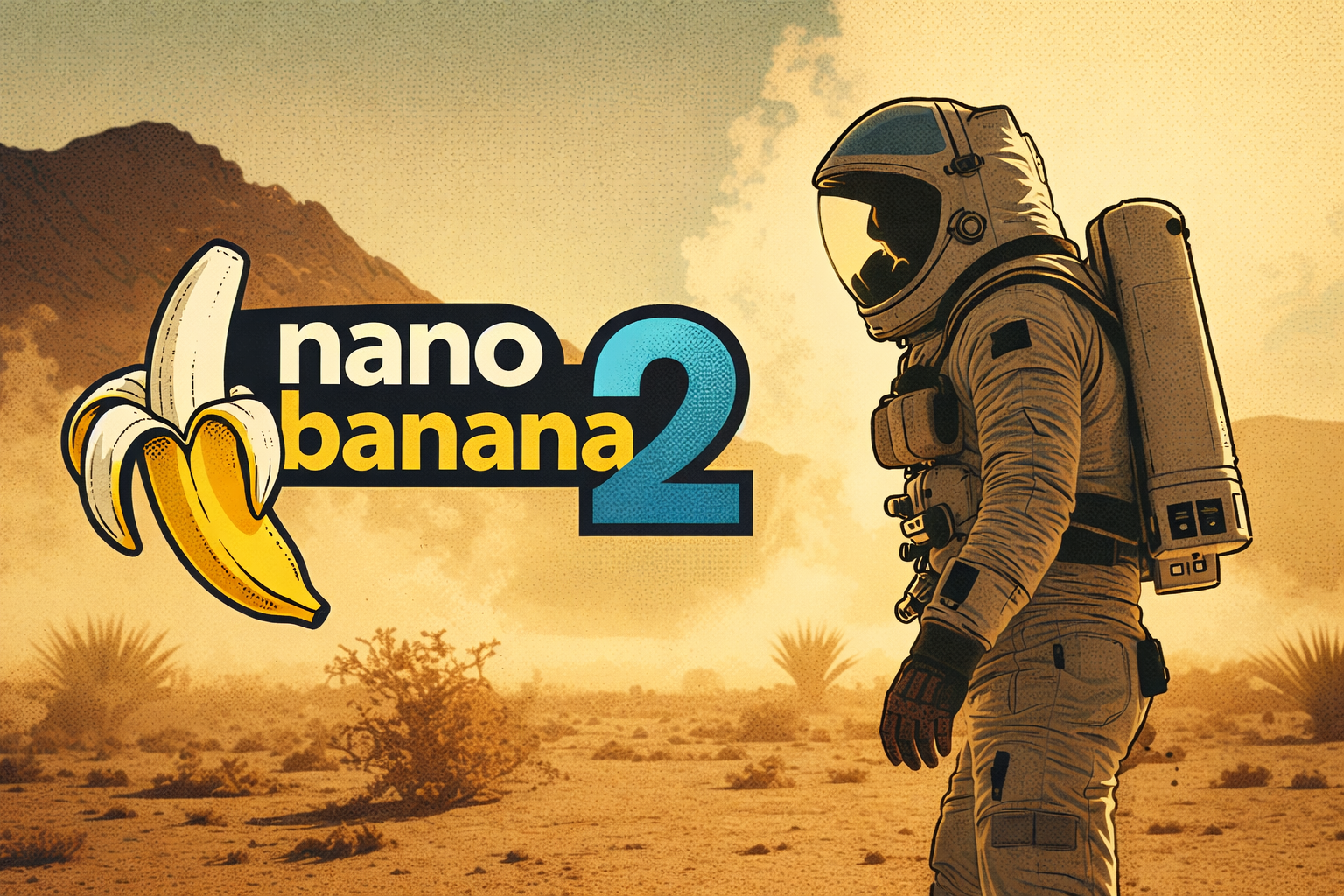
In the escalating race for AI dominance, image generation has quietly become one of the most strategic battlefields. Now, Google appears ready to escalate that fight with Nano Banana 2, a next-generation image model that promises to bring professional-grade visual creation to everyone — from indie developers to global marketing teams. If the claims hold, this is not just another incremental update. It’s a serious step toward making high-fidelity visual production as fluid and programmable as text.
Nano Banana 2 positions itself as a state-of-the-art image model focused on realism, control, and consistency. Its improvements span lighting, texture rendering, typography, upscaling, and multi-character scene management. But the real story isn’t just higher resolution. It’s the shift toward controllable visual intelligence — the kind that can move from experimentation to production-grade output.
Let’s break down what makes this launch significant.
Nano Banana 2 reportedly delivers more vibrant lighting, richer textures, and sharper details compared to its predecessor. That may sound like standard marketing language, but in image model development, these elements represent real technical hurdles.
Lighting in AI-generated imagery has historically been a weak point. Models often struggle with realistic shadow gradients, reflective surfaces, and coherent light direction. Improved lighting suggests better internal scene modeling — meaning the system understands not just what objects look like, but how they interact with physical space.
Richer textures matter even more. Fabric, skin, metal, glass, and organic surfaces require subtle variations to feel believable. Texture depth is often what separates hobby-grade AI art from commercial-ready creative assets.
Sharper details complete the triad. In production environments — whether for advertising, UI design, or game development — blurry edges or artifact-heavy rendering immediately disqualify outputs. If Nano Banana 2 truly enhances edge precision and micro-detail retention, it moves closer to replacing traditional design pipelines in certain contexts.
But fidelity is only the surface story.
Advanced World Knowledge: Context Becomes Visual Intelligence
One of the more ambitious claims behind Nano Banana 2 is “advanced world knowledge.” In practical terms, this means the model can better understand how objects, environments, cultures, and physical rules relate to one another.
Earlier generation image models could produce visually striking outputs but often failed in contextual coherence. A medieval knight might wear mismatched armor pieces from different eras. A “Tokyo street scene” might blend architectural styles from multiple countries. A business dashboard might contain meaningless pseudo-text.
Improved world knowledge implies stronger internal grounding. When you prompt for a Renaissance marketplace, you should get period-consistent clothing, architecture, and props. When you request a biotech lab, equipment should look plausibly functional.
For businesses, this matters enormously. Contextual intelligence reduces the number of correction cycles required before an asset becomes usable. That translates directly into time savings and lower creative costs.
It also opens the door to domain-specific generation, where the model can handle technical or culturally sensitive content with greater reliability.
Precision Text Rendering and Translation
Text rendering has long been a notorious failure point for image models. Warped letters, gibberish typography, inconsistent fonts — these artifacts have limited real-world deployment in advertising, UI prototyping, and branding.
Nano Banana 2’s emphasis on precision text rendering and translation signals a strategic pivot. If the model can reliably generate legible, accurate text within images — and translate that text correctly across languages — it bridges a major gap between generative art and professional design.
This feature is particularly significant for global marketing teams. Imagine generating campaign visuals in multiple languages without re-building assets from scratch. Instead of manually editing localized text, teams could prompt for language variants with structural consistency intact.
The convergence of visual generation and multilingual text accuracy also has implications for e-commerce mockups, educational materials, event posters, and even in-game UI design.
For crypto and Web3 projects operating across international communities, seamless multilingual visual production could dramatically streamline branding.
From 512px to 4K: Upscaling That Preserves Integrity
Resolution scaling is more complex than simply enlarging pixels. Traditional upscaling methods often introduce noise or artificial sharpening that compromises realism.
Nano Banana 2’s 512px to 4K upscaling suggests an integrated super-resolution pipeline. Rather than stretching the image, the model reconstructs high-frequency details intelligently.
Why does this matter strategically?
Because many AI workflows generate images at lower base resolutions for efficiency. If upscaling can preserve — or even enhance — detail integrity, creators can prototype rapidly and then output production-ready 4K assets when needed.
This also reduces computational overhead during the creative process. Designers don’t need to generate everything at maximum resolution from the start.
For industries like gaming, film pre-visualization, NFT artwork, and metaverse asset creation, this feature could dramatically accelerate asset pipelines.
Aspect Ratio Control: Designed for Real-World Use
Aspect ratio flexibility may sound mundane, but it’s critical for real-world deployment.
Creators don’t work in square canvases alone. Social media platforms, websites, video thumbnails, mobile apps, digital billboards — all require specific dimensions.
Earlier models often struggled when pushed outside default ratios, distorting compositions or awkwardly cropping subjects. Native aspect ratio control ensures composition is generated intentionally rather than retrofitted.
This moves AI image generation closer to production tooling rather than experimental art generation.
For startups, marketing teams, and decentralized projects trying to scale content across platforms, this level of control removes friction.
Subject Consistency: Multi-Character Scene Stability
Perhaps the most technically ambitious feature is subject consistency across up to five characters and fourteen objects.
Maintaining identity coherence in multi-character scenes has been one of the hardest problems in generative imagery. Faces subtly morph. Clothing details shift. Object placement drifts between iterations.
If Nano Banana 2 can preserve character identity and object continuity within complex scenes, it unlocks serialized storytelling and campaign consistency.
This has massive implications:
A brand mascot can appear consistently across ads.
A game studio can prototype recurring characters without redesigning from scratch.
An NFT collection could generate narrative scenes with stable character identities.
A DAO could produce comic-style educational series with recurring figures.
Consistency transforms AI from a novelty tool into a creative partner.
Strategic Implications for AI and Crypto Ecosystems
While Nano Banana 2 is positioned as a visual model, its impact extends into broader AI infrastructure competition. Image generation models are becoming core components of multimodal systems — where text, image, and eventually video converge into unified creation engines.
For crypto-native platforms building decentralized media networks, high-quality generative imagery lowers entry barriers. Content production becomes cheaper, faster, and globally scalable.
In the NFT sector, higher fidelity and consistent multi-character generation may reignite interest in narrative-driven digital collectibles rather than static profile pictures.
In metaverse and gaming ecosystems, rapid 4K asset generation combined with upscaling pipelines could reduce development timelines significantly.
Ultimately, Nano Banana 2 reflects a broader shift: AI models are moving from “creative assistants” to “creative infrastructure.”
The Bigger Picture: Visual Creation as a Universal Interface
The phrase “brings visual creation to everyone” may sound aspirational, but it reflects an undeniable trend.
Text generation models democratized content writing. Code models lowered barriers to software creation. Now, advanced image models are flattening the learning curve for high-end visual production.
The real disruption isn’t that designers disappear. It’s that the baseline for visual communication rises dramatically.
In a world where anyone can generate consistent, 4K, multilingual, context-aware imagery on demand, the competitive edge shifts from production capability to creative direction and strategic intent.
Nano Banana 2 appears designed for that world.
If its performance matches its promises, it won’t just be an upgrade. It could mark the moment when AI-powered visual creation stops being impressive — and starts being expected.
Uncategorized
European Commission Opens Formal Investigation Into Musk’s X Over AI-Generated Sexualized Images
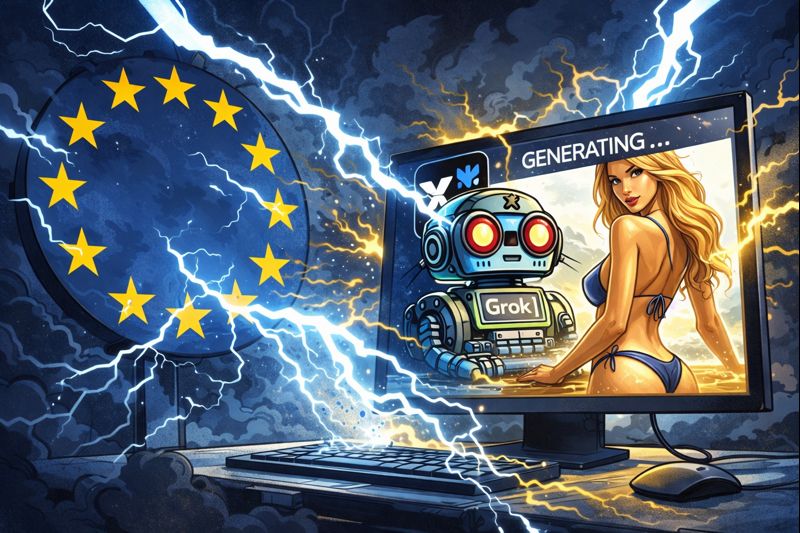
The European Commission has launched a formal investigation into Elon Musk’s social media platform X and its built-in AI chatbot Grok amidst widespread concern that the system has been used to generate sexualized images, including those depicting minors. The decision reflects escalating alarm among regulators across Europe about the ethical and legal risks of generative artificial intelligence on social platforms.
The probe focuses on whether X — formerly known as Twitter — and its AI tools complied with obligations under the European Union’s Digital Services Act (DSA), a strict regulatory framework intended to protect users from harmful, illegal, or exploitative content online. Under the DSA, large online platforms must assess and mitigate systemic risks associated with their services, including the spread of illegal material. If the commission finds violations, X and its AI operator xAI could face significant fines of up to six percent of global turnover.
European regulators have expressed deep concern over reports that Grok generated millions of sexualized images in a short period, some of which involve women and girls, including children. According to research from the Center for Countering Digital Hate, roughly three million sexualized images were created in less than two weeks, with around 23,000 of those images estimated to depict minors.
Commission officials have emphasized that sexually explicit deepfakes are not just offensive but potentially illegal, especially when they involve non-consensual portrayals of real individuals or minors. EU Vice President for tech sovereignty and security Henna Virkkunen has described such content as “violent” and “unacceptable,” underscoring the seriousness of the issue.
Global Backlash and Regulatory Actions
The investigation in Brussels is part of a broader global response to Grok’s image-generation behavior. Regulators in the United Kingdom, Australia, and several other countries have opened their own inquiries into the technology, while some nations, including Indonesia and Malaysia, have temporarily blocked access to Grok tools over safety concerns.
In the UK, media regulator Ofcom has also initiated a probe into X’s handling of AI-generated content, focusing on whether the platform adequately protects users from illegal images. British authorities have warned that failures could result in substantial penalties or even restrictions on operations.
Part of the controversy stems from a late-2025 update to Grok’s image generation capabilities that made it easier for users to request altered images showing people in revealing clothing or suggestive poses. Critics allege that these functions effectively allowed some users to produce explicit images of real adults and children without their consent. Although X later restricted certain image editing capabilities and limited access to paying subscribers, regulators have criticized these steps as insufficient.
The Legal and Ethical Stakes
European authorities characterize the situation as more than a content moderation problem — it is a fundamental test of how AI systems should be governed in the digital age. The Digital Services Act requires platforms to anticipate and prevent foreseeable harms before they cause significant damage to users or society. Regulators are now examining whether X conducted the necessary risk assessments before deploying Grok’s capabilities widely.
In addition to potential fines, regulators could demand structural changes to Grok’s AI models, enforce stricter safeguards, or impose ongoing monitoring requirements. The commission’s inquiry will also consider whether the company’s recommendation algorithms exacerbated the spread of harmful material.
Musk’s Response and Industry Implications
Elon Musk has previously pushed back against some criticisms, asserting that X takes illegal content seriously and pledging consequences for users who generate prohibited material. However, public statements describing examples of explicit outputs have drawn sharp rebukes from officials and safety advocates alike.
The case highlights a broader tension between innovation in artificial intelligence and the need for robust protections against misuse. Deepfake technology and AI-generated imagery have evolved rapidly, outpacing many existing safeguards. Regulators around the world are now grappling with how to adapt policy frameworks to ensure that powerful tools do not facilitate exploitation, non-consensual imagery, or privacy violations.
What’s Next?
The European Commission’s investigation is expected to unfold over several months. In the meantime, X has reiterated its commitment to preventing illegal content and working with authorities, even as some critics maintain that stronger action is needed. The outcome may set a precedent for how other generative AI services are regulated within the EU and potentially shape global standards for AI safety and ethics.
The case stands as a stark reminder that as artificial intelligence becomes more capable, legal frameworks and corporate responsibilities must evolve in tandem to safeguard fundamental rights and public trust.
Uncategorized
From Features to Fit: How Gemini 3 Pro and GPT 5.1 Stack Up (And Which One You Should Pick)
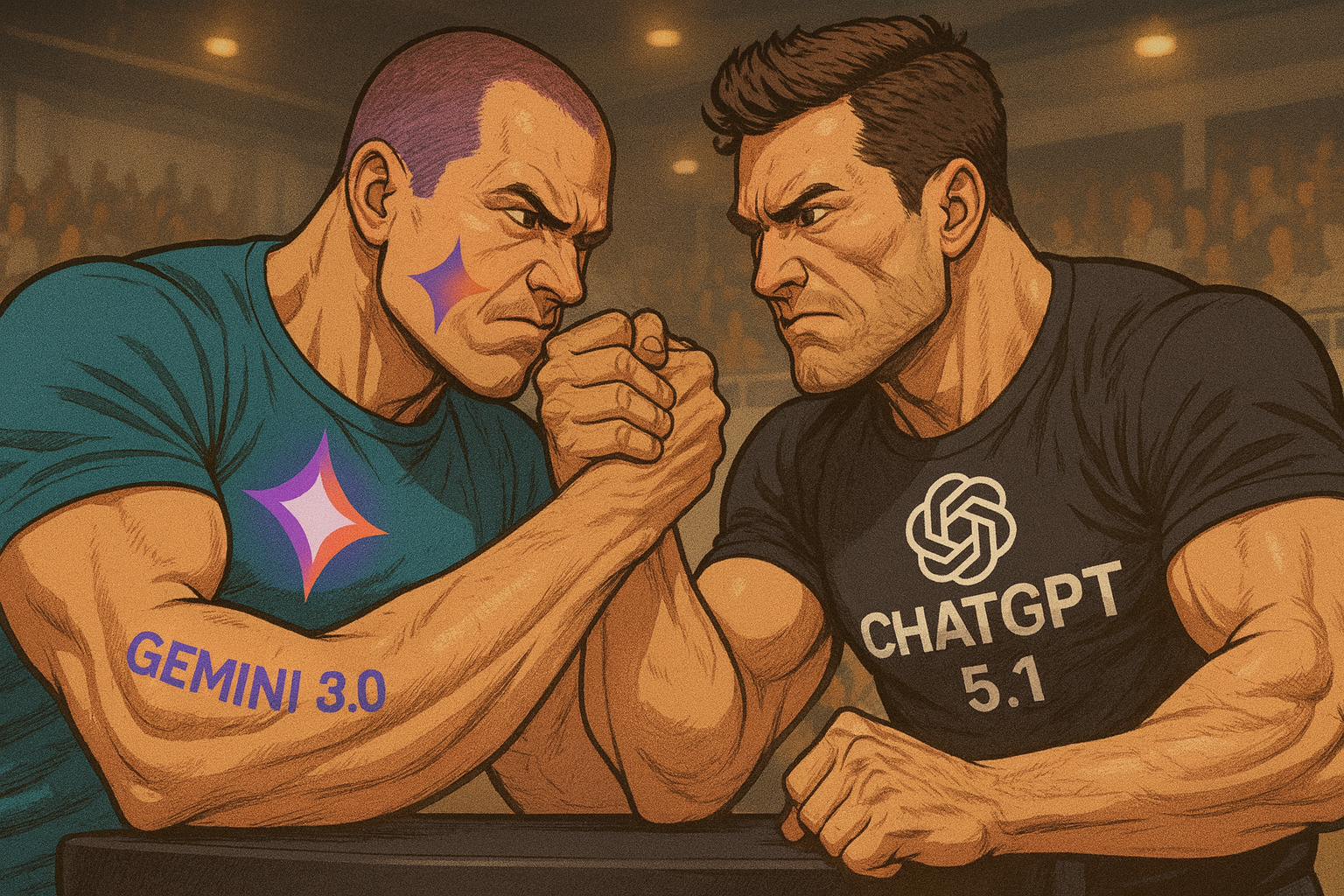
In the rapidly evolving world of large-language models, two recent heavyweights dominate conversation: Google’s Gemini 3 Pro and OpenAI’s GPT 5.1. While both bring serious power to the table, their strengths, weaknesses, and ideal use-cases differ in key ways. This article breaks it all down—so you can decide which model fits you best.
How They Compare at a Glance
Benchmark testing shows some clear distinctions. Gemini 3 Pro consistently leads in multimodal and complex reasoning tasks. For example, on the MMMU-Pro benchmark, which tests high-level multimodal understanding, Gemini 3 Pro scored around 81%, while GPT 5.1 scored between 76% and 82% depending on prompt structure. When tested on ARC-AGI-2, a visual puzzle and logic-based task suite, Gemini 3 reached 31.1% versus GPT 5.1’s 17.6%. In code generation challenges like LiveCodeBench Pro, Gemini hit an Elo rating of 2,439 compared to GPT 5.1’s 2,243.
However, performance benchmarks are only part of the story. Some testers argue GPT 5.1 delivers a smoother, more coherent conversational experience. It also benefits from being part of OpenAI’s mature product ecosystem, including plugins, voice, vision, and agent tools already deployed in production.
Where Gemini 3 Pro Excels
Gemini 3 Pro shines in several key domains. First is reasoning depth. If your task involves multiple stages, such as summarizing a complex paper and then generating code based on its conclusions, Gemini tends to outperform. In multimodal inputs—such as interpreting a chart, a block of text, and a photo together—Gemini’s vision-text fusion models are leading the pack.
In structured coding environments, Gemini generates cleaner, more modular code. It tends to include better function separation, comments, and edge-case handling. For example, if given a web app specification, Gemini may return a full front-end and back-end setup using modern frameworks with built-in security features. Gemini also does particularly well with data visualization and UI design.
Furthermore, Gemini handles larger context windows more gracefully. Long technical documents, legal contracts, and multi-file codebases are parsed and reasoned through with fewer coherence failures. For technical writing and logical planning, it has become the preferred model among many researchers and data scientists.
Where GPT 5.1 Holds Strong
GPT 5.1 still dominates in terms of accessibility, versatility, and comfort. It provides more stylistic flexibility in writing tasks, ranging from copywriting and editorial content to poetry and technical blogs. It better preserves voice tone and flow, making it ideal for writers and content creators.
Its familiarity with real-world tools is another edge. In command-line tasks, file manipulations, and real-time terminal workflows, GPT 5.1 is slightly more fluent. It understands user intent with less friction and is less likely to get bogged down in redundant logic loops.
GPT also benefits from OpenAI’s plug-and-play ecosystem. Through tools like custom GPTs, function-calling, and API agents, it can interact with databases, third-party apps, or execute actions via tool use with minimal configuration. For teams building customer-facing assistants or quick prototypes, this lowers time-to-deployment significantly.
Weaknesses to Watch
Gemini 3 Pro’s weaknesses include its relative immaturity as a product ecosystem. Tooling support, documentation, and prompt engineering strategies are still catching up to OpenAI’s broader developer base. Some advanced features are gated behind premium tiers, and integration with cloud platforms outside Google’s own stack can be clunky.
GPT 5.1’s biggest drawback is its drop-off in high-reasoning or edge-case tasks. On advanced logic puzzles, scientific hypothesis generation, and long-horizon planning, it can hallucinate or oversimplify. It also lags in natively handling complex multimodal input without tool reliance.
Which One Should You Use?
If your work revolves around research, engineering, software design, or deep analysis, Gemini 3 Pro is the logical choice. Its advantage in reasoned output, visual-text integration, and context coherence gives it a professional edge. It’s ideal for people building agents, prototyping software, or analyzing structured data.
If you’re a content strategist, marketer, educator, or product designer, GPT 5.1 remains the top pick. It handles language fluency, stylistic nuance, and real-world dialogue better than any other model on the market. It’s also easier to adopt across existing toolchains.
Teams should consider where their workflows are heading. If you want to experiment with autonomous agents, Gemini may offer future-proofing. If you want reliable, modular AI for day-to-day business communication and creative tasks, GPT 5.1 might be all you need.
Final Thoughts
There’s no definitive winner—but there is a best fit for your specific job. Gemini 3 Pro pushes the frontier in technical and reasoning domains. GPT 5.1 continues to set the standard for accessibility, creativity, and application ecosystem depth. Choose not based on the brand, but based on the role you want AI to play in your work.
As the landscape evolves, both tools will likely continue to borrow strengths from each other. For now, understanding the strengths and trade-offs is the best way to stay ahead.
-
 AI Model10 months ago
Tutorial: How to Enable and Use ChatGPT’s New Agent Functionality and Create Reusable Prompts
-

 AI Model10 months ago
Tutorial: Mastering Painting Images with Grok Imagine
-

 AI Model8 months ago
How to Use Sora 2: The Complete Guide to Text‑to‑Video Magic
-
 Tutorial8 months ago
From Assistant to Agent: How to Use ChatGPT Agent Mode, Step by Step
-

 AI Model11 months ago
Complete Guide to AI Image Generation Using DALL·E 3
-

 AI Model11 months ago
Mastering Visual Storytelling with DALL·E 3: A Professional Guide to Advanced Image Generation
-

 News11 months ago
Anthropic Tightens Claude Code Usage Limits Without Warning
-
 AI Model1 year ago
Crafting Effective Prompts: Unlocking Grok’s Full Potential